لوحة التحكم الذكية المصغّرة – Smart Control Panel Mini ٣ ازرار تحكم IR

Smart Control Panel Mini – 3 IR Control Buttons

120,000 IQD
Skip to product information
لوحة التحكم الذكية المصغّرة – Smart Control Panel Mini ٣ ازرار تحكم IR
1/15

Smart Control Panel Mini – 3 IR Control Buttons

  • Wi-Fi
  • Tuya
120,000 IQD
Cash on delivery
Delivery within Iraq: 5,000 IQD, or free for orders of 150,000 IQD or more. Final delivery cost is shown at checkout.
Out of stock
  • 1-year warranty
  • Fast delivery
  • Expert technical support
Warranty, delivery & support details

1-year warranty
One-year warranty from the date you receive the product. We replace the product if a manufacturing defect is confirmed. We do not offer repairs.

Fast delivery
Delivery takes 24–48 hours after your order is actually handed to the courier. Courier handover is at 8 pm Baghdad time.

Expert technical support
Technical support on WhatsApp, Saturday–Thursday, 8 am–11 pm Baghdad time.
Contact us on WhatsApp 07760808466

Return and refund policy

Lighting and scenes within reach

Bring control of the room's lighting and compatible devices together in the TPP06 wall panel. Its 3.5 inch touchscreen and three physical buttons give you options for everyday control, with three lighting outputs and a built-in IR remote.

Choose control from the screen or buttons

Assign buttons to operate lighting circuits or run a scene, and display supported devices and scenes from your account on the screen. The functions available on the panel vary with each device's compatibility, even if it works in the app.

Control the TV or air conditioner from the panel

Use the built-in IR remote to control a compatible TV or air conditioner after adding its commands. The commands must be compatible and the infrared signal must reach the device; this feature is for supported IR devices.

Add compatible Sigmesh devices

The built-in hub lets you add supported Bluetooth Sigmesh devices from the screen. It is a Sigmesh hub, not Zigbee; check the device model's compatibility before connecting it, not just whether it has Bluetooth.

Choose the lighting state after power returns

In the app, set each channel to turn off, turn on or restore its previous state. Review and test the setting after installation to suit how you use the room.

Button indicators the way you prefer

Turn the indicators off, have them follow the relay state, or keep them lit to show where the buttons are.

What you need to operate it

  • A suitable supply through live L and neutral N, with installation by a qualified electrician.
  • A 2.4 GHz Wi-Fi network and a MOES, Tuya Smart or Smart Life account, with supported devices and scenes under the same account.
  • For camera and lock functions, check support for the model and required function before choosing.
  • For voice control through Alexa: a compatible external voice device and linked accounts; the panel is not a standalone Alexa speaker.

Specifications

Specification Details
Model TPP06
Screen 3.5 inch touchscreen
Power supply AC 100–240 V, 50/60 Hz
Wired control outputs 3 lighting channels; 200W per channel and 600W total
Protocols Wi-Fi / Bluetooth Sigmesh / IR
Operating temperature 0 to 40°C
Operating humidity 5–90% RH, non-condensing
Dimensions with base 86 × 86 × 35.5 mm

Turn the room lights off with a leaving button

When:You press a physical button assigned to the leaving scene.

Action:Turn off the compatible room lights you selected for the scene.

What you need to get started

  • Add supported lighting to the same account, create a Tap-to-run scene, link it to the button, then test it.
  • Provide the power and connectivity needed by the panel and devices.

Usage notes

  • Keep devices that need continuous operation out of the off scene.
  • Scene execution is not guaranteed during a network or power outage.

Usage guidance

Installation and lighting limits

The electrician must disconnect the supply at the breaker and verify the absence of voltage, then check the box, wiring and load against the wiring diagram for the actual version. The limit is 200 W per channel and 600 W total, with lamp type and starting current checked; these limits do not establish suitability for motors or compressors.
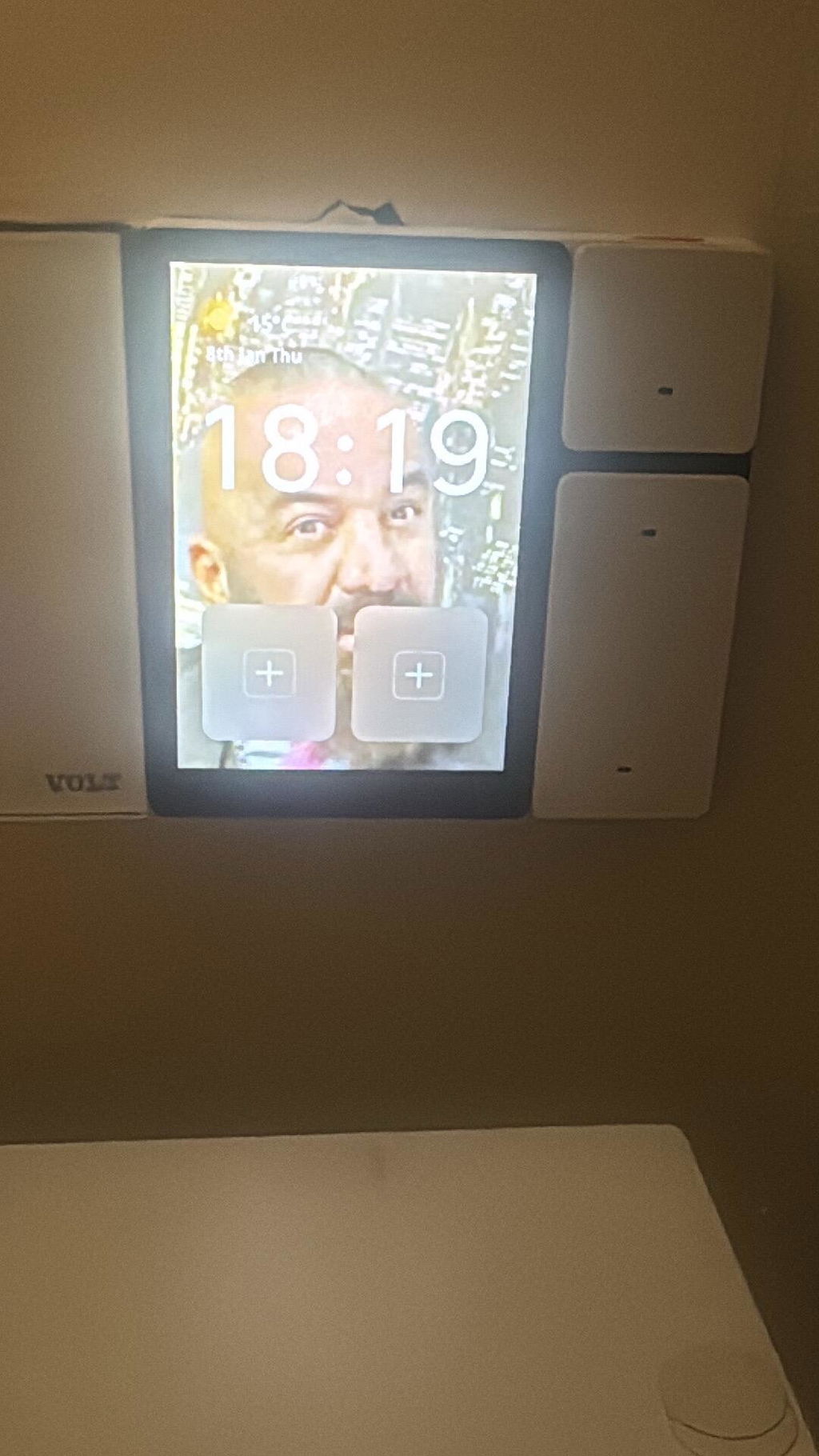
Using the Type-C port

The side port is for software diagnostics only, not for charging a phone or powering the panel through USB instead of the specified connection.

Displaying sensor alerts

Displaying a smoke or leak alert requires a separate compatible sensor and system setup. The panel does not detect smoke or gas itself and does not replace independent safety measures.

What's in the box

  • Smart Control Panel Mini ×1.
  • User manual ×1.
  • Mounting screws ×4.
  • Reset pin ×1.

Frequently asked questions

Can the panel be used just for scenes?

Yes, the screen and scenes can be used without connecting loads to the lighting outputs, depending on system setup, while the correct supply through L and N is still required.

Discover other devices

New
  • Wi-Fi
  • Zigbee
  • Tuya

Tuya 8-inch Control Panel with Wi-Fi, Zigbee and LAN

New
  • Wi-Fi
  • Tuya

Tuya 6.2-inch Wi-Fi Control Panel | 8 Press Points, 3 Relays

New
  • Wi-Fi
  • Zigbee
  • Tuya

Lingzhu 7 Pro+ Smart Control Panel TPL07-M2 | Alexa Support & Zigbee Hub

New
  • Wi-Fi
  • Zigbee
  • Tuya

Tuya 4-inch Control Panel with Zigbee Hub and LAN