
Wi-Fi vs. Zigbee.
Choose the connectivity that suits your home.
The real difference isn’t "which is faster," but "which is more stable," "which is better for sensors," and how to expand your smart home without overloading your network.
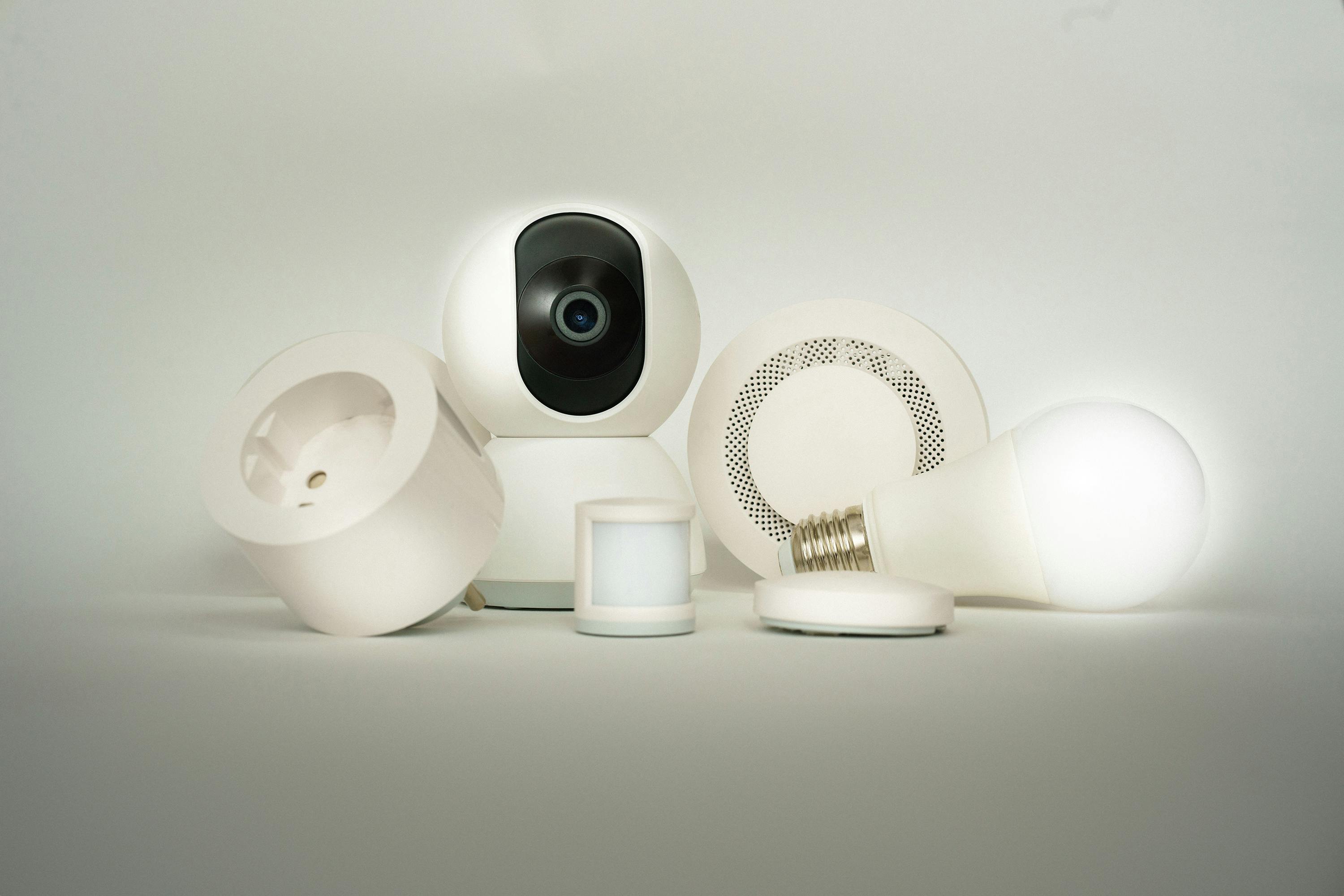
Quick choice. Clear decision.
Fast setup & few devices
Start with Wi-Fi for a seamless experience, usually without an extra gateway.
Many sensors & longer battery
Choose Zigbee because it is low-consumption and relies on home Mesh.
Best balance for most homes
Hybrid solution: Zigbee for sensors and switches + Wi-Fi for cameras and heavy devices.
Wi-Fi: Every device connects to the router
Simple to set up, excellent for devices that need direct internet, but relies on router strength and network coverage as you expand.
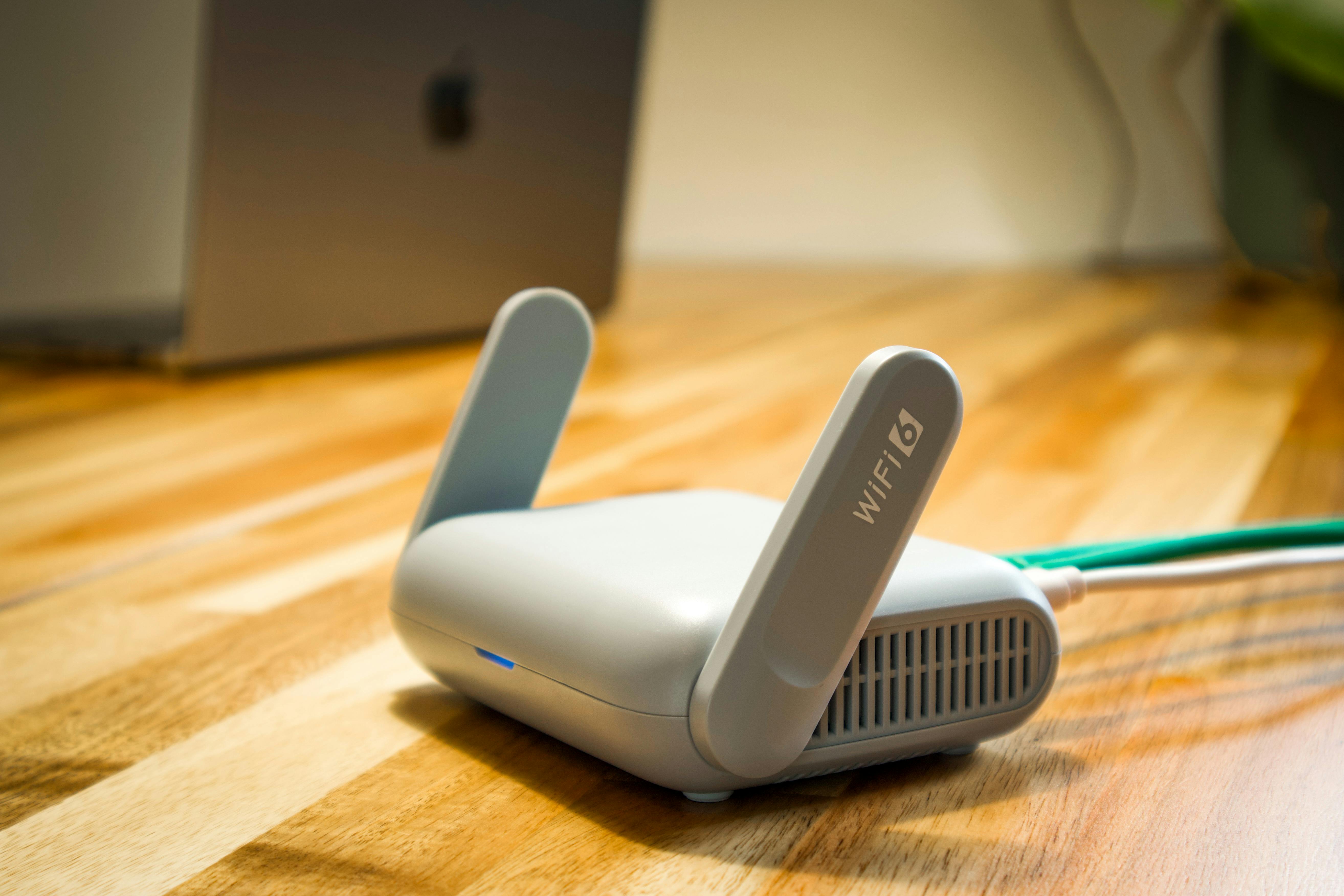
Strong point
No Gateway needed in most cases. Setup is quick and direct.
Keep in mind
Too many devices can cause congestion if the router is mid-range or coverage is weak.
Zigbee: Mesh network via Gateway
Designed for sensors and automation. Mesh increases stability and coverage inside the house. Usually requires a gateway to manage the network.
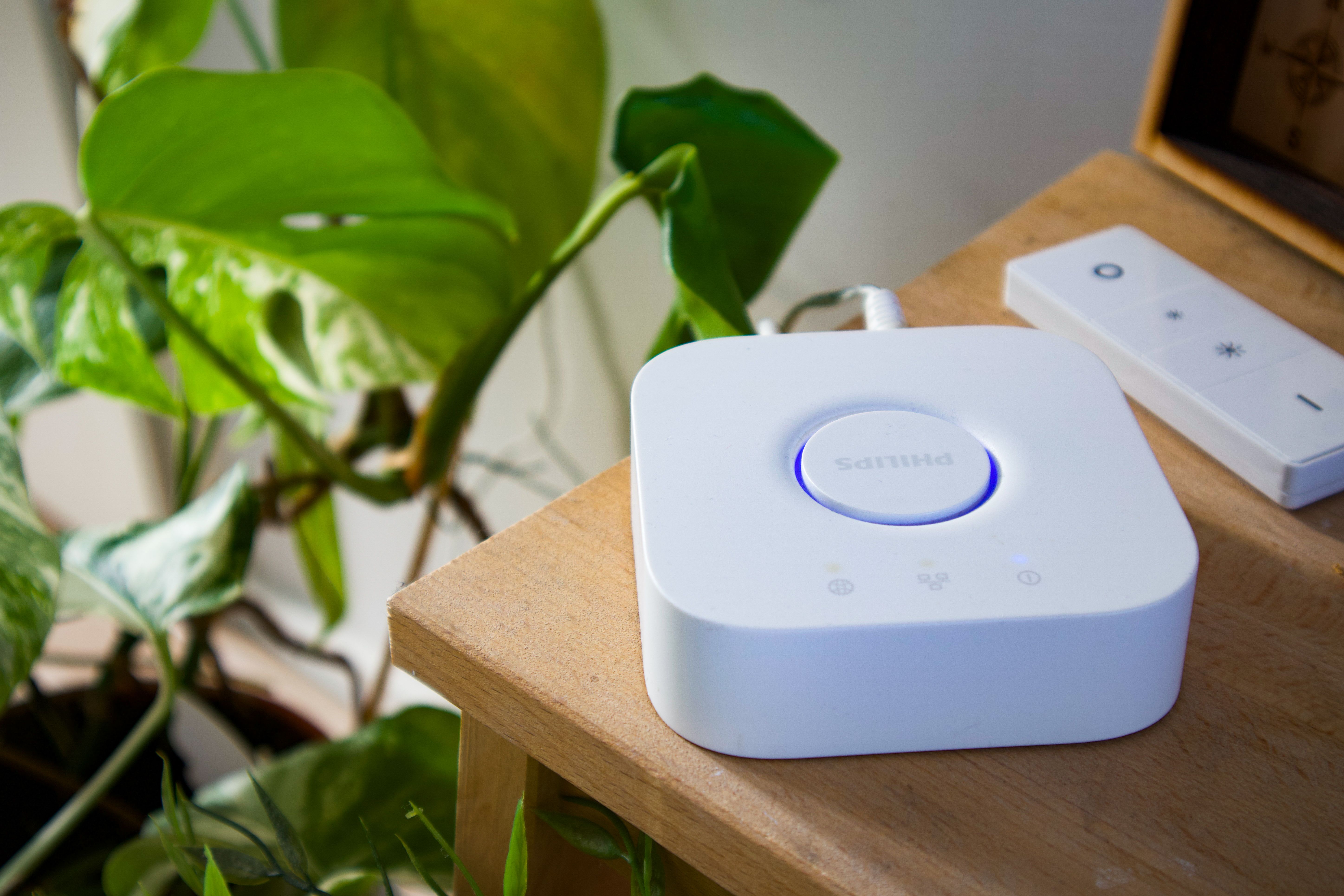
Strong point
Mesh improves with powered devices (switches/plugs) that repeat the signal.
Keep in mind
You need a Gateway as a central element (placed in an open area for best performance).
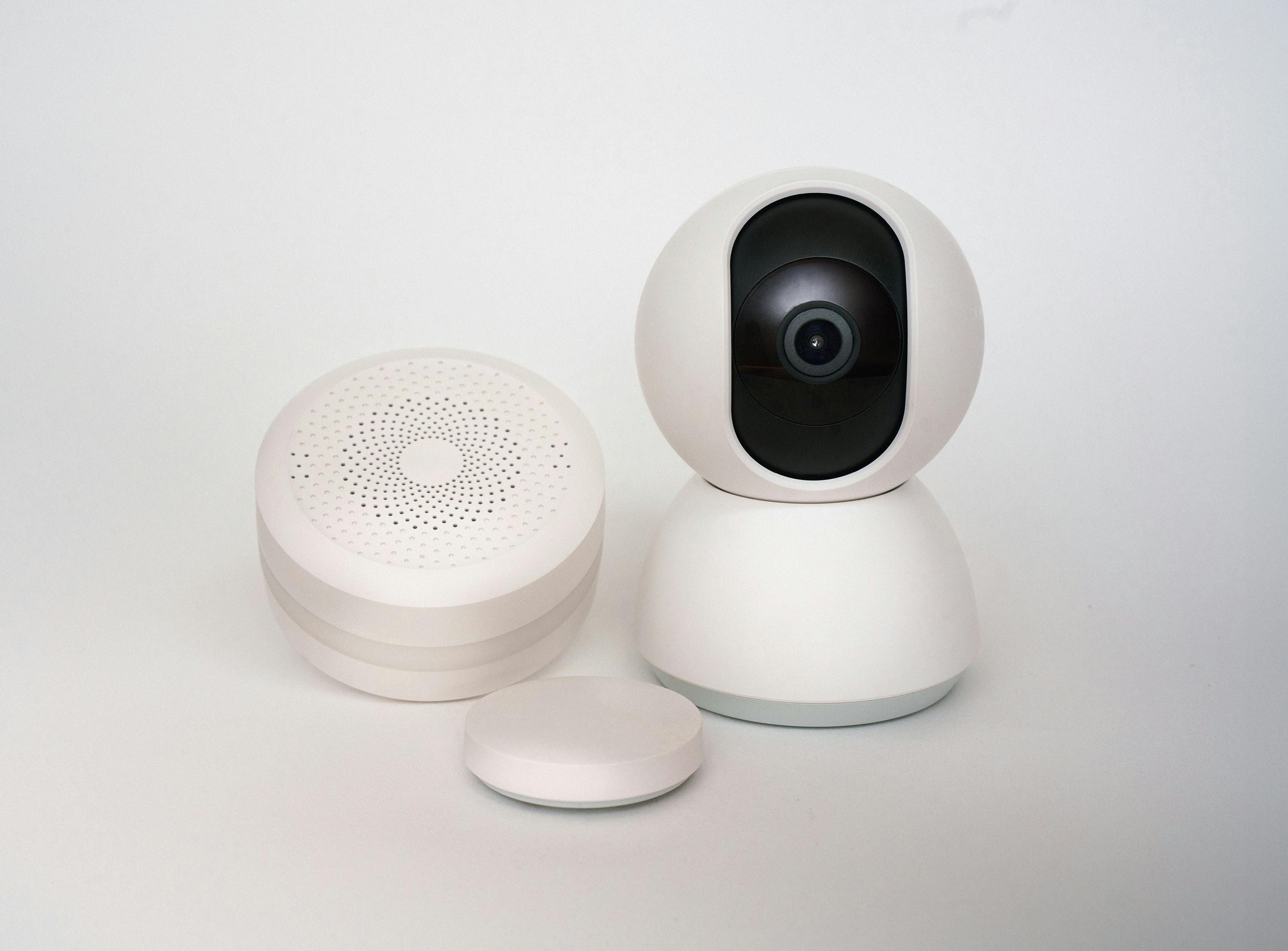
Zigbee and battery
Low consumption. Suitable for small sensors where you want a longer operating life.
Wi-Fi and power consumption
Usually higher consumption due to direct connection to the router. Excellent for powered devices and cameras.
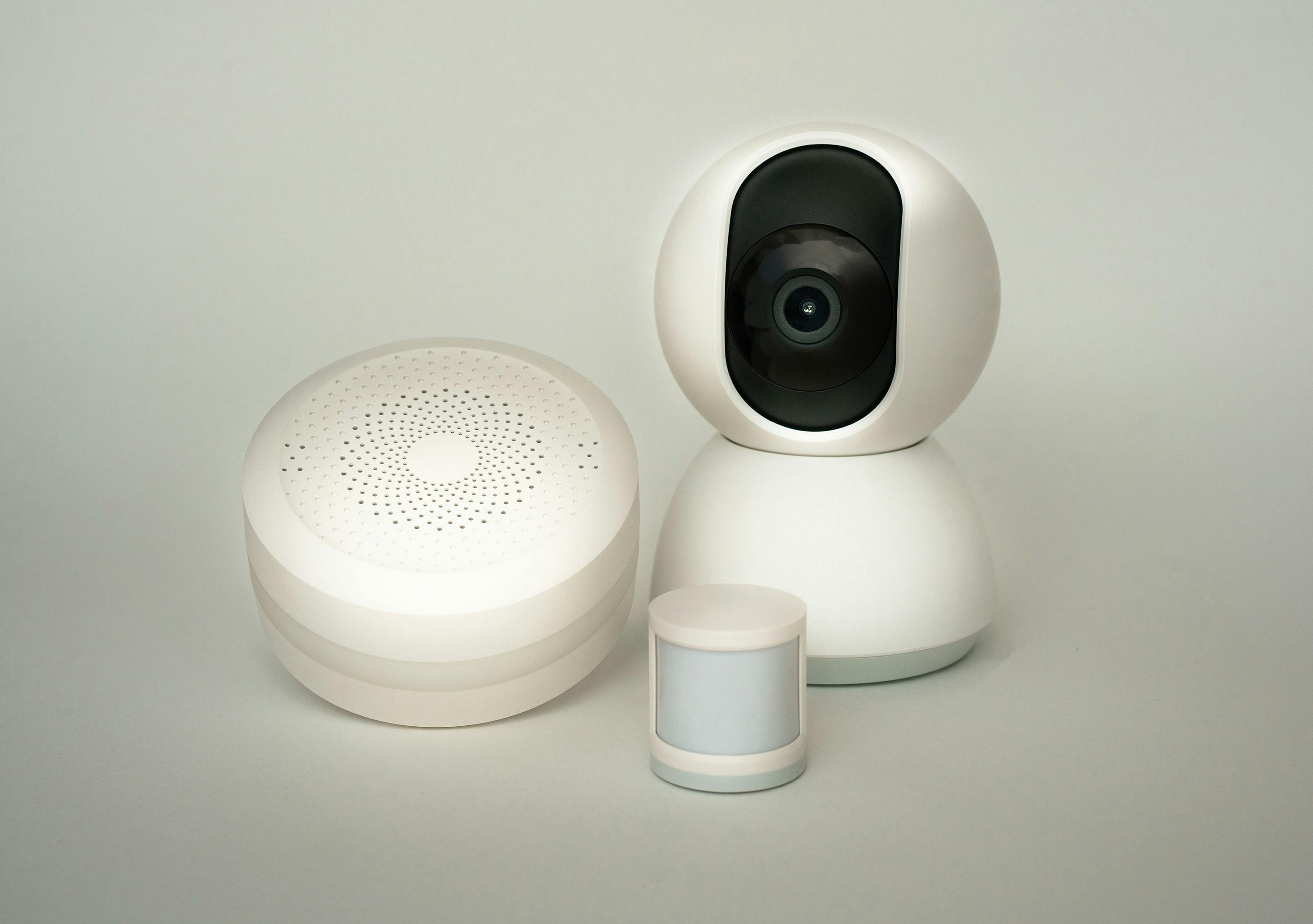
Best use for Wi-Fi
Cameras
Video transmission requires a stable connection, and a strong Wi-Fi is a suitable choice.
Plugs & energy monitoring
Powered devices work easily within a Wi-Fi network.

Best use for Zigbee
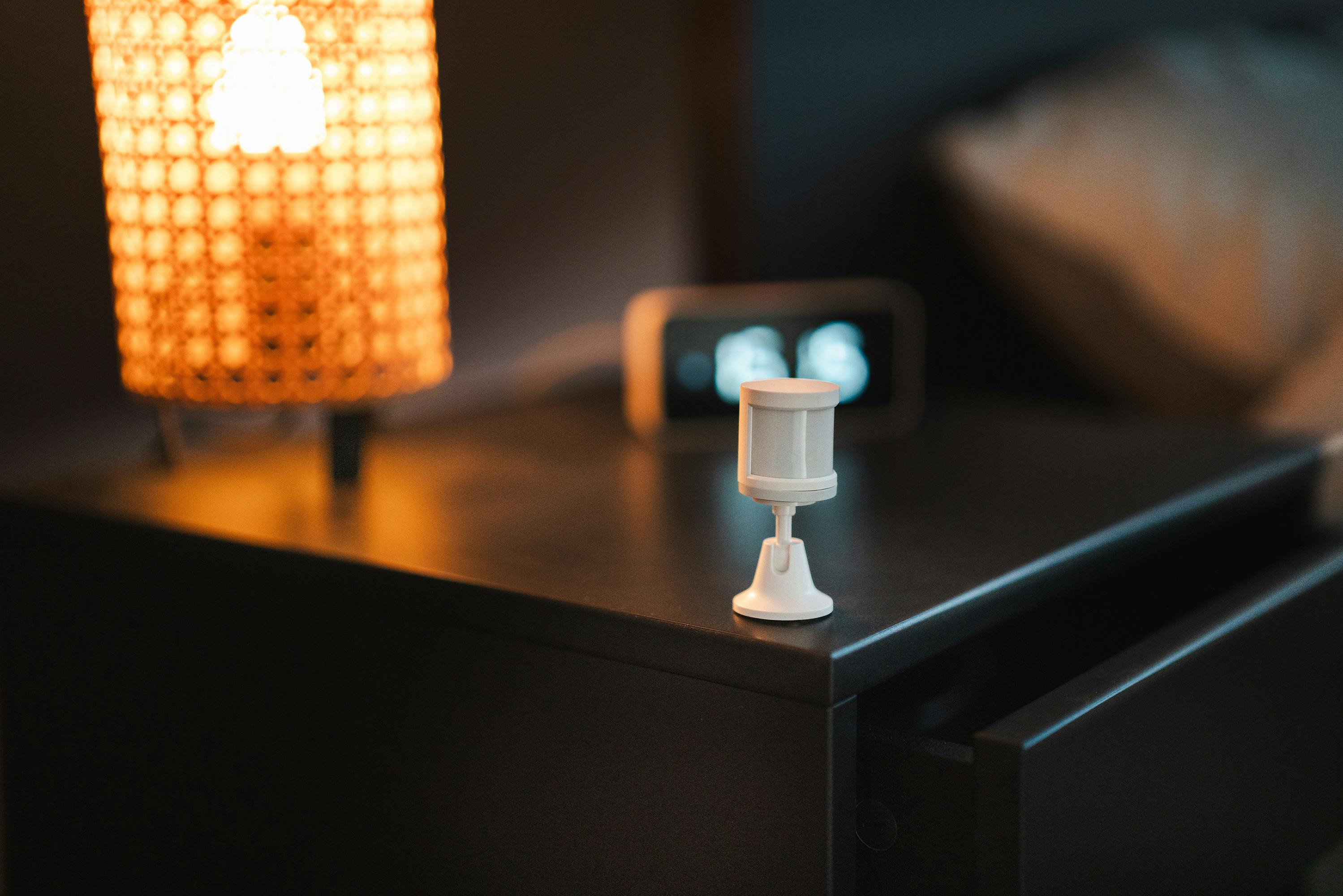
Sensors
Motion, door/window, water leak… usually longer battery life.
Indoor automation
Mesh provides strong responsiveness when running many scenarios.
Clear comparison. No complexity.
| Criteria | Wi-Fi | Zigbee |
|---|---|---|
| Ease of installation | High (usually direct connection to router) | Medium (requires Gateway) |
| Expansion | Depends on router and network coverage | Excellent via Mesh for many devices |
| Battery | Usually lower for battery devices | Usually longer for sensors |
| Best use | Cameras/devices needing direct internet | Sensors/switches/many scenarios |
| Indoor responsiveness | Good if network is strong and not congested | Usually higher thanks to Mesh |